.png)
Onboarding Step: Install Visitor ID Snippet
Onboarding Steps
- Request Enabling Visitor ID (required)
- Install Visitor ID Snippet (required)
- Integrate Slack for Notifications (optional)
- Setup automated email outreach (strongly recommended)
Overview
To have strong attribution to the impact Relixir has brought. We've built our own website visitor de-anonymization system.
- It identifies exactly who is hitting your site (company, person's email, person's linkedin, etc).
- We also track who comes to Relixir generated blogs, as well as from AI search engines. This shows you exactly the people that Relixir has brought to your site
- We are able to provide a 30% identification rate for people and 80% for companies, compared to other tools that provide a 10% person identification rate and 40% for companies.
Required Steps
- Go to Settings > Visitor ID and press "Enable Visitor-Id"
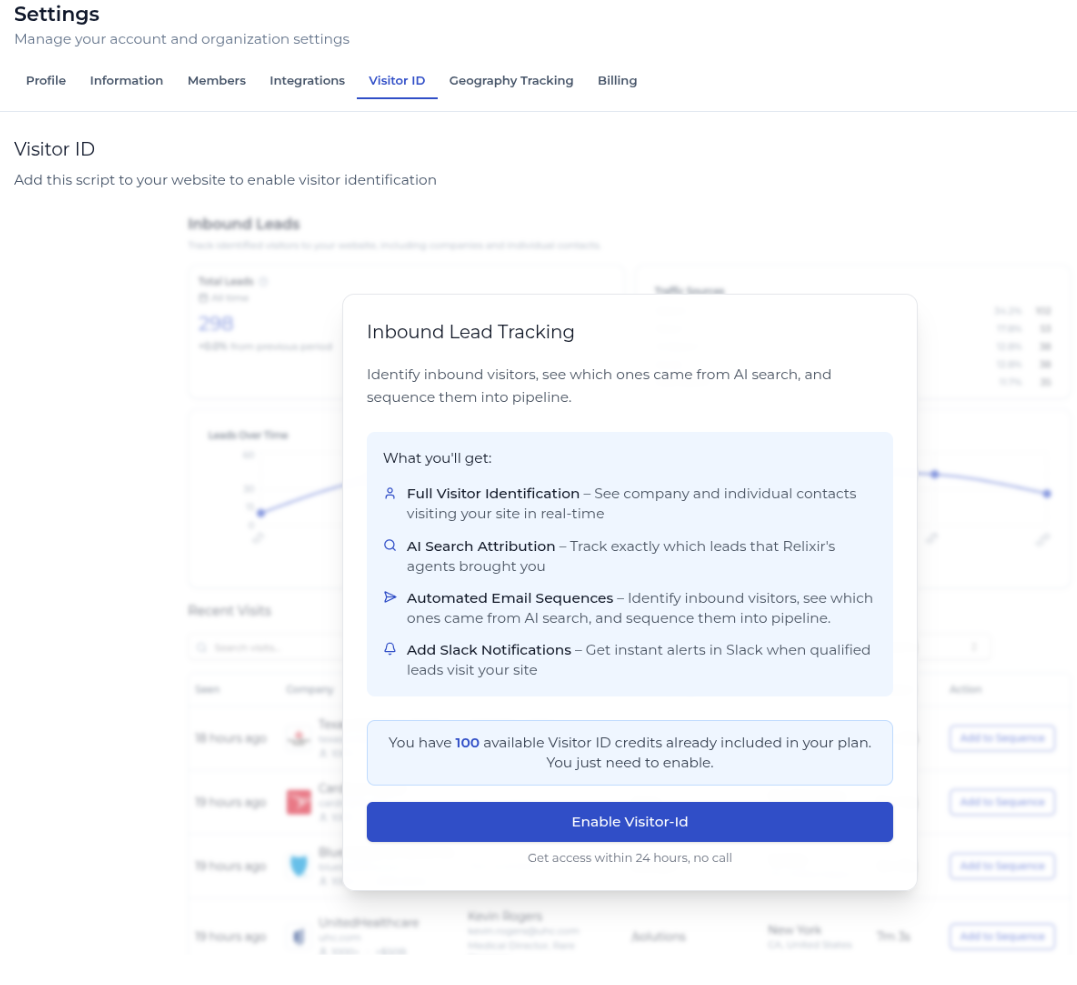
- Within 24-48 hours, your request will be approved and you will receive a notification email
The page should now look like this:
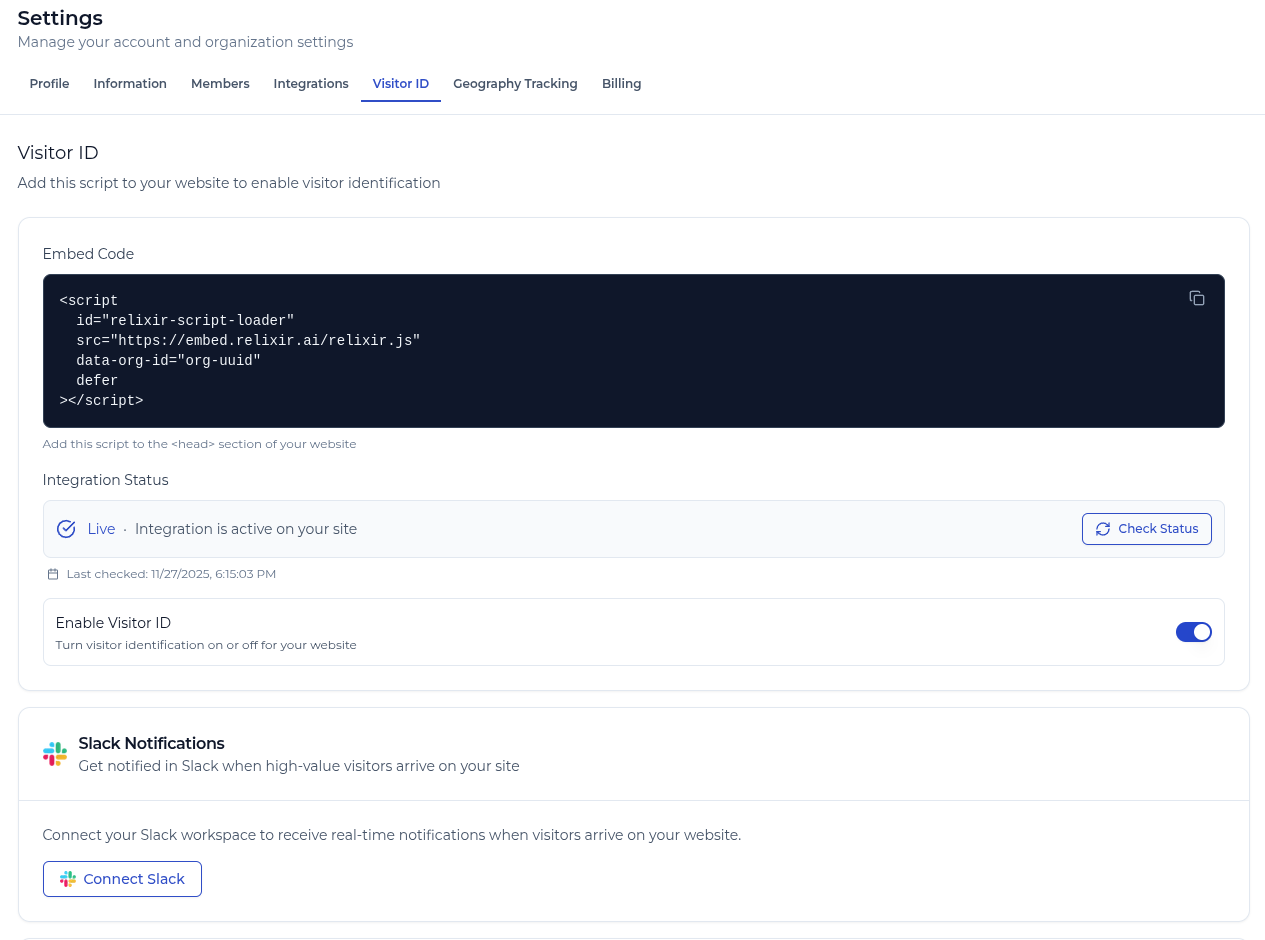
- Add the "Embed Code" we provided to your website page layout, typically in the <head>
Optional Steps
- Press "Connect Slack" to install the Relixir notification bot to a specific channel you have.
- You will then receive notifications to that slack channel whenever a new website visitor is identified
- We are offering a new service to automatically run email sequences on inbound visitors that match your ICP to close them
- If you're interested, please fill out this form.